Secure Disk for BitLocker uses the X.509 certificate on your smart card or PKI token like an extra BitLocker protector: before Windows starts, the user inserts the smart card or plugs in the PKI token, enters the PIN, and the BitLocker-protected Windows PC boots. It works with almost any PKCS#11 middleware, preinstalled or uploaded in the central console.
Secure Disk for BitLocker does not just mount a partition with an X.509 certificate. It lets the certificate on the smart card or PKI token act like an extra BitLocker protector, so the user can boot a BitLocker-protected Windows PC with it.
The smart card unlock built into Windows BitLocker only works for fixed and removable data drives. It unlocks them with a certificate once Windows is already running, and it cannot unlock the operating system drive at startup.
Secure Disk for BitLocker uses the X.509 certificate on the smart card or PKI token as an additional way to unlock the Windows system drive, before Windows starts. The private key never leaves the chip and is protected by the PIN.
Secure Disk for BitLocker talks to smart cards and PKI tokens through standard PKCS#11 middleware. Common middleware is preinstalled. If you use a different one, upload it in the central console and Secure Disk for BitLocker rolls it out to your clients.
Widely used PKCS#11 middleware ships with Secure Disk for BitLocker, so many smart cards and PKI tokens work out of the box.
Using a specific card or token vendor? Upload its PKCS#11 middleware in the central console, no client-side installation needed.
The central console distributes the middleware to the pre-boot environment of every client, ready at the next boot.
X.509 certificate and private key on the chip
Preinstalled or uploaded in the console
Checks certificate and PIN before Windows starts
Windows starts, single sign-on to the desktop
Secure Disk for BitLocker starts its pre-boot authentication before Windows loads. The BitLocker volume stays locked.
The user inserts the smart card into the reader or plugs in the PKI token.
The PIN unlocks the private key on the chip. Secure Disk for BitLocker verifies the X.509 certificate and that the user is authorised to boot this device.
The drive is decrypted and Windows starts. With single sign-on, the user continues straight to the desktop.
An online demo with our engineers, using your smart card or PKI token if you like.
The certificate on the smart card or PKI token unlocks BitLocker at pre-boot.
Contact smart cards with a reader, or USB PKI tokens such as the Thales SafeNet eToken.
Almost any PKCS#11 middleware, preinstalled or uploaded in the central console.
Possession of the card or token plus knowledge of the PIN. The private key stays on the chip.
One authentication to the desktop, several users per device.
Policies, users, middleware and recovery in one console, which is included.
With Secure Disk for BitLocker 8 and Windows 11, TPM 2.0 strengthens BitLocker and prevents brute-force attacks.
Prove encryption and authentication status to auditors at any time.
Any smart card or PKI token with an X.509 certificate and a PKCS#11 middleware can be used. Some typical examples:
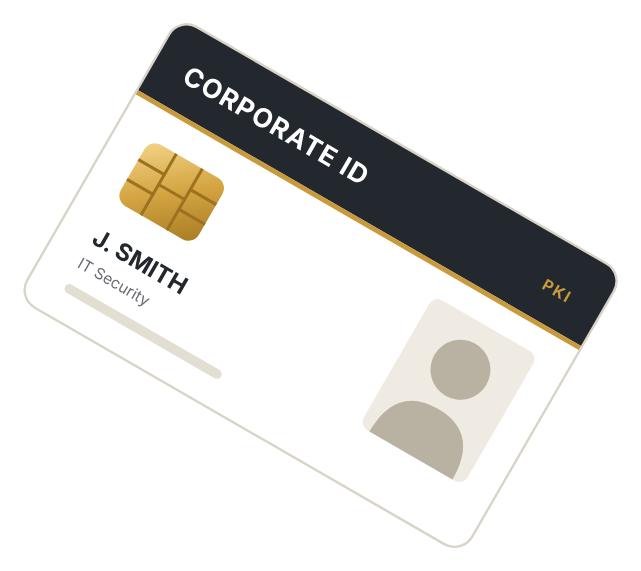
One badge for building access, Windows logon and now BitLocker boot, with the certificate from your corporate CA.
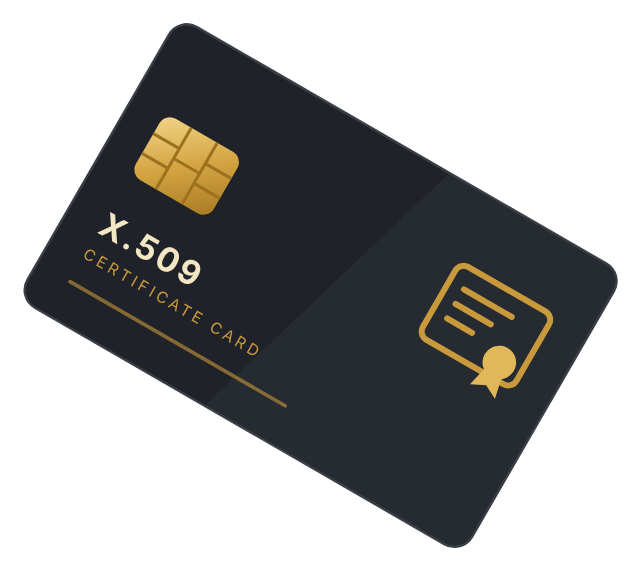
A dedicated smart card carrying the user's X.509 certificate and private key for logon, signing and encryption.
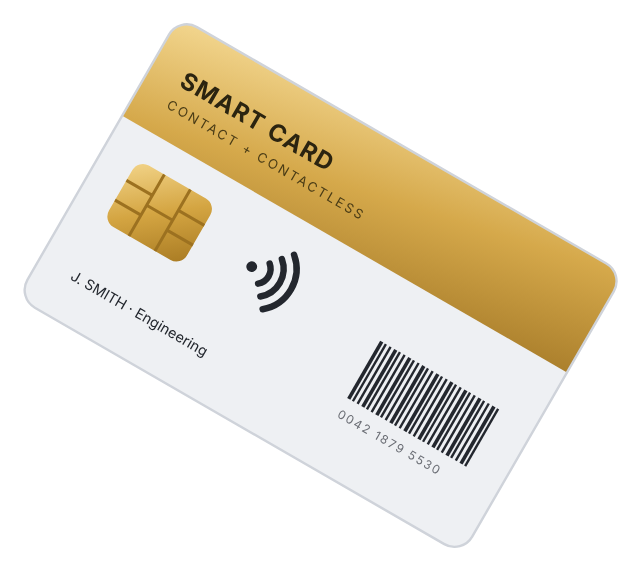
Chip for contact readers plus a contactless interface for doors and printers, with the same certificate on board.
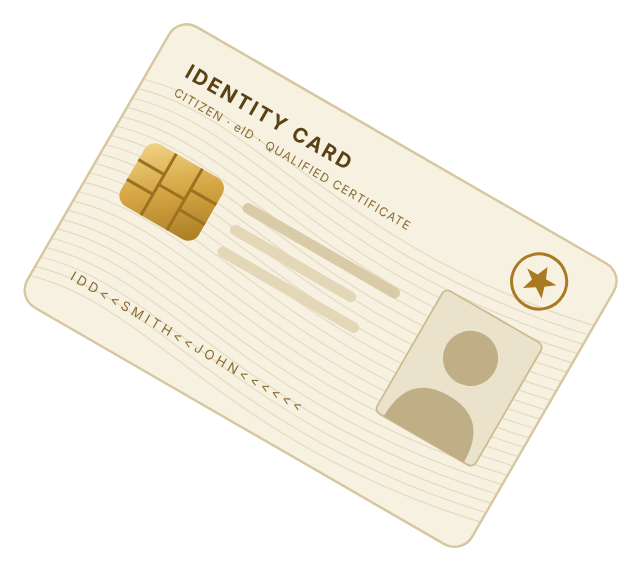
Government or professional ID cards with a certificate, where the issuer provides a PKCS#11 middleware.
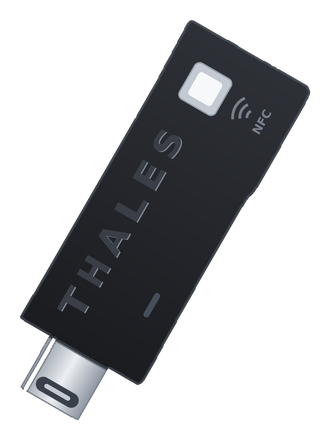
A USB token instead of card and reader: the certificate and private key sit on the token, protected by the token PIN.
Using another card or token? If it comes with PKCS#11 middleware, upload it in the central console. Ask us about compatibility.
Card illustrations are symbolic and do not show real products.
Turn the certificates you already issue into the key for every BitLocker-protected PC.
Use the official smart cards and eIDs your staff already carry to protect confidential data.
Certificate-based multi-factor authentication that meets regulatory expectations.
Health professional cards and badges protect patient data from the very first boot.
Hardware-bound certificates and PINs before boot for high security obligations.
Signature cards that already carry a certificate now also protect the notebook.
Secure Disk for BitLocker is licensed per Windows device, regardless of how many users work on it. Smart card and PKI token support is available from USD 50 per endpoint.
Volume pricing applies to larger roll-outs. Maintenance and support are available for 1, 2 or 3 years.
Request your personal quotePerpetual licence plus optional maintenance. Smartcards, readers or PKI tokens are not included. Prices exclude VAT.
Tell us about your PKI, your cards or tokens and your middleware, and our team will show you how certificate-based pre-boot authentication fits in, with a live demo and a quote tailored to you.